Publishing and sharing
Screenshots use demonstration projects.
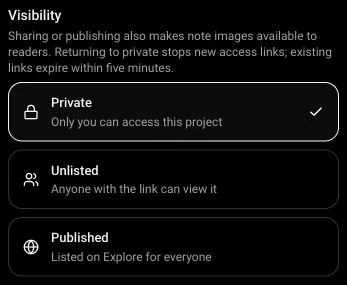
Visibility
Choose Private for access only by you, Unlisted for anyone with the link, or Published to list the project on Explore. Confirm with Save or Publish.
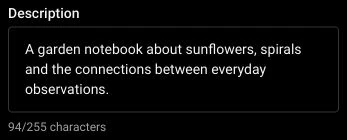
Project descriptions
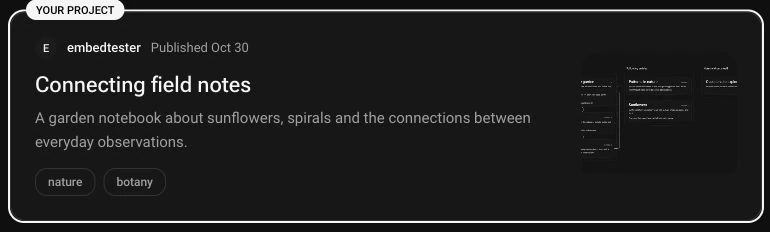
Introduce the project and explain what readers will find.
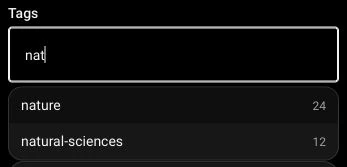
Tags
Add project tags with suggestions for existing topics.
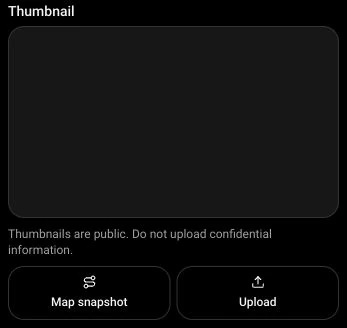
Public thumbnails
Upload a cover image or capture the project map as a thumbnail. Thumbnails are public.
Publication preview
Preview the project card before publishing or updating it.
Copy a sharing link
Copy the reader-facing link from the sharing screen.

Published snapshots and history
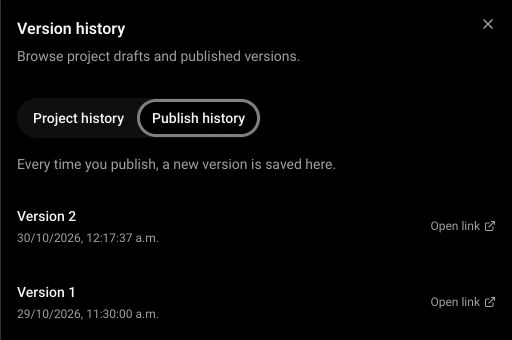
Later edits stay in the draft until you publish an update. Each publication saves a version in Publish history, with its own public link.

Reader view
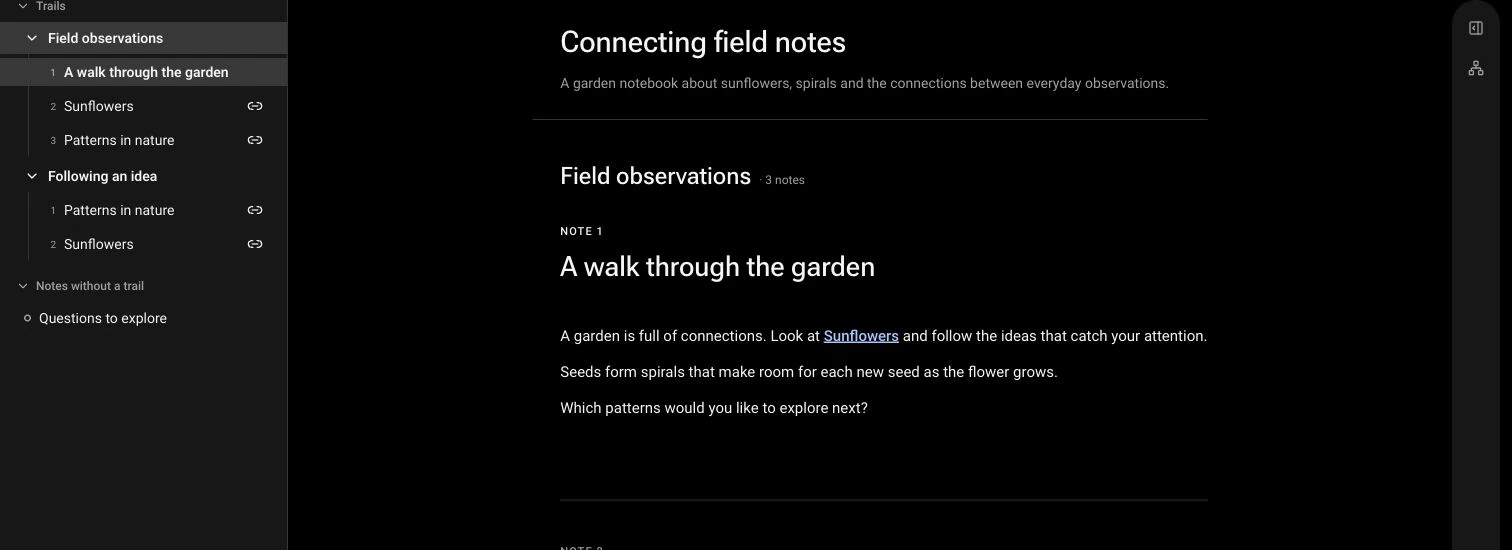
Read shared projects with their notes, trails and map outside the editing interface.
Export a project
Download a ZIP containing an HTML reader, project JSON and images.
