Skip to content
Wiki

Explore and community

Screenshots use demonstration projects.

Explore search

Search the projects published by the community.
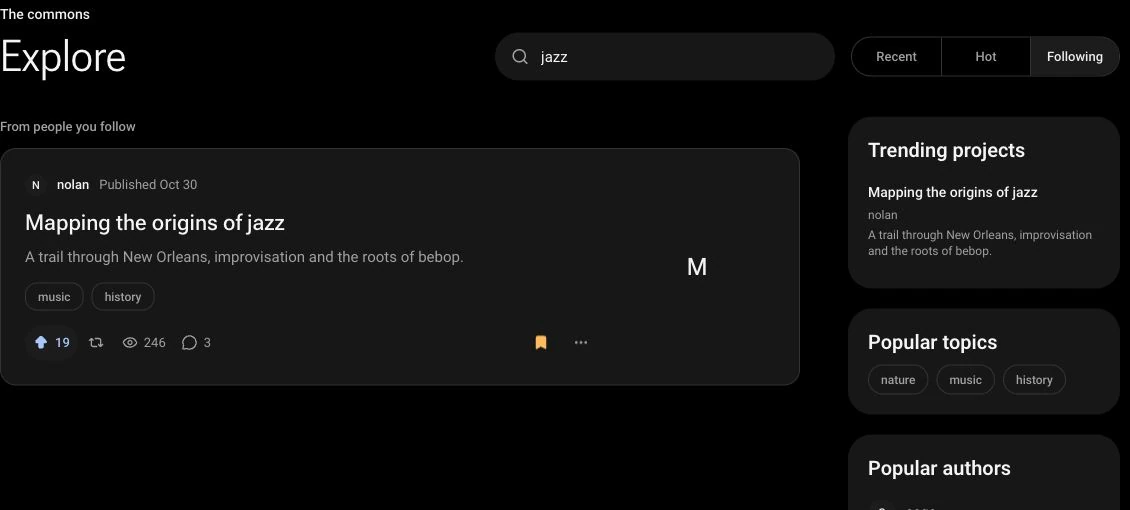
Explore searches for jazz and shows Mapping the origins of jazz by nolan as a matching published project.
Enter a title, subject or tag in Search published projects, then press Enter. The selected feed stays active while you search.

Explore feeds

Browse Recent for newly published projects, Hot for popular activity, or Following for activity from people you follow.

The Explore feed selector shows Recent selected beside Hot and Following.
Choose Recent for new publications, Hot for popular activity, or Following for activity from people you follow.

Featured projects and topics

Discover highlighted projects, hot topics and active authors.
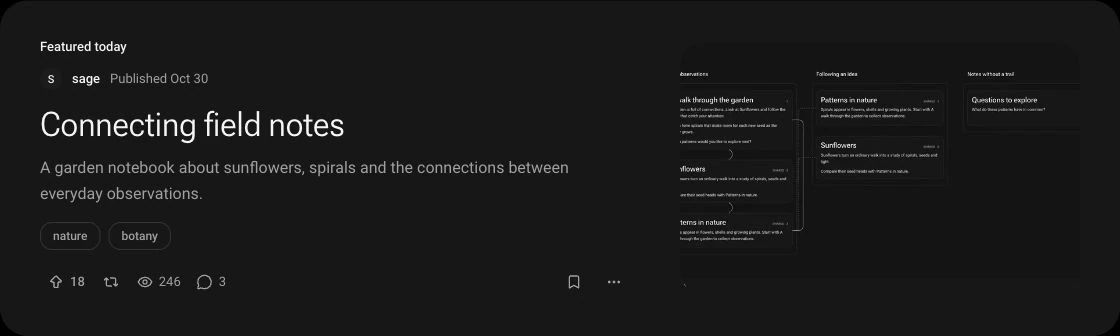
The Featured today card highlights Connecting field notes by sage, with its description, nature and botany tags, map thumbnail and project actions.
Featured today highlights a project to explore. Open its title to start reading.
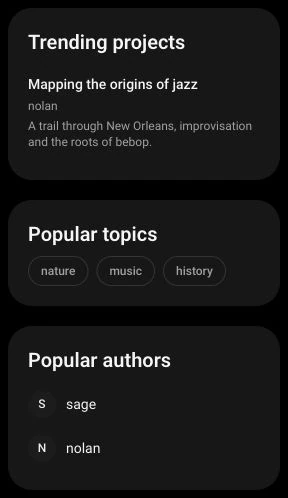
The Explore sidebar lists a trending project, popular topics nature, music and history, and popular authors sage and nolan.
Use topics to search related projects, or open an author profile to discover more of their work.

Upvotes

Upvote a project you find useful.
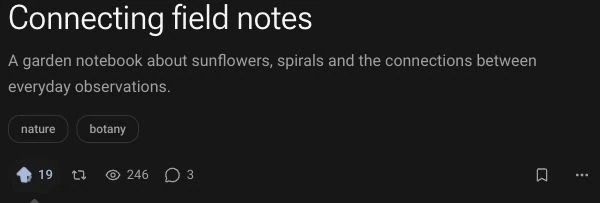
Connecting field notes has an active upvote arrow and a count of 19 beside its sharing and reading statistics.
Select the upvote arrow to support a project you find useful. Select it again to remove your vote.

Bookmarks

Save projects and revisit them from your profile.
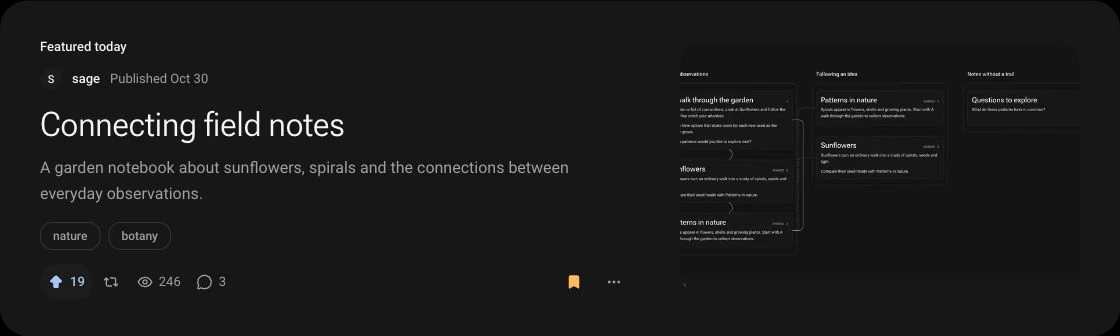
The featured Connecting field notes card has a filled bookmark icon showing that the project is saved.
Select the bookmark icon to save a project. Select it again to remove it; saved projects can be revisited from your profile.

Comments and replies

Discuss a project and reply when the author allows comments. Delete your own comments from the thread; deletion is permanent, while replies are kept.
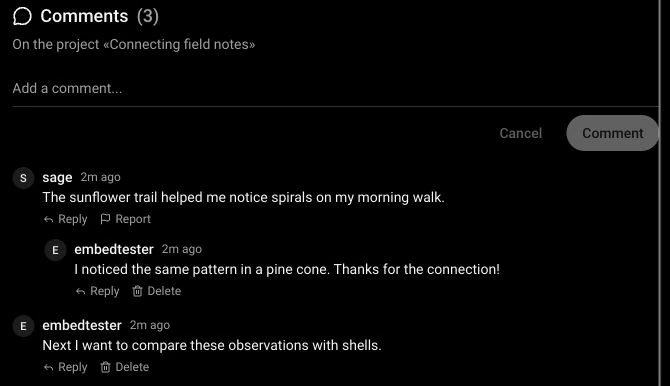
A project discussion shows a comment by sage, an indented reply by embedtester, another comment and Reply controls.
Add a comment to discuss the project, or choose Reply beneath a comment to continue its thread. Commenting depends on the project settings.
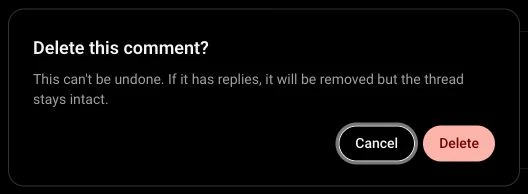
Delete this comment confirmation explains that deletion cannot be undone and that any replies stay in the thread, with Cancel and Delete buttons.
Choose Delete beneath your own comment, then confirm. Cancel keeps it. Removing a comment with replies preserves the thread.

Follow authors

Follow or unfollow other people and browse follower lists.

The sage profile shows an active Following button, follower and following counts, and a short bio.
Choose Follow on an author profile to follow their activity. Following shows the active state and lets you unfollow.
The followers page for sage shows Followers and Following tabs, plus nolan and mira with individual Follow and Following controls.
Open the follower or following count on a profile to browse its lists. Each row links to another author and includes a follow control.

Share with followers

Share a project to your followers’ activity feed.
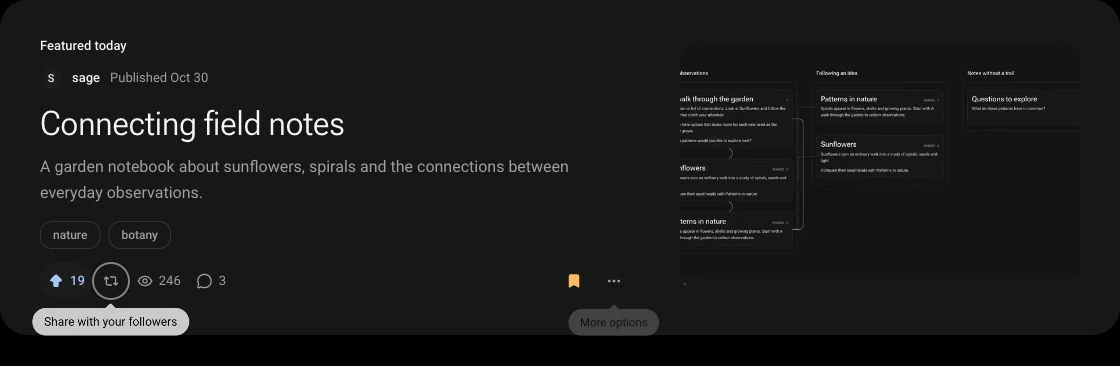
The featured project includes the share-with-followers control beside the upvote and view counts.
Use the share icon with two arrows to share a project to the activity feed of your followers.

Fork a project

Create an editable copy when the author allows forks. The attribution links back to the source project and its author.
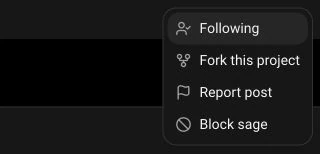

The project options menu includes Following, Fork this project, Report post and Block sage.
Open More options on a project and choose Fork this project when the author allows forks. The new copy becomes your editable starting point.
Patterns worth following includes a Forked from Connecting field notes by @sage attribution above its title.
The attribution links back to the source project and its author, so readers can follow where a fork began.