Projects
Screenshots use demonstration projects.
Create a project
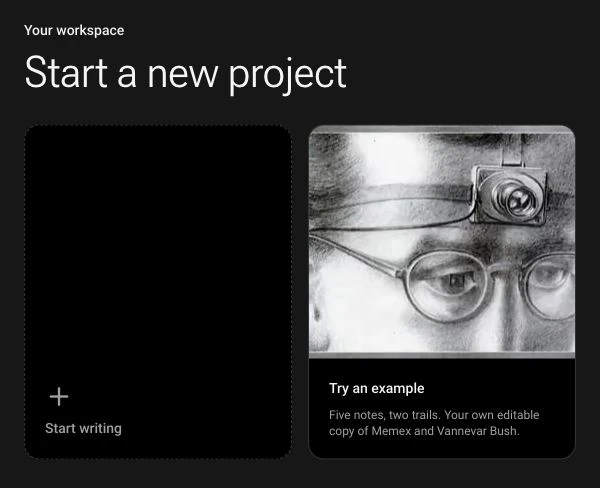
On My Projects, choose Start writing to open a blank workspace for your notes and trails. Your project is saved automatically as you write. Choose Try an example if you would rather start with an editable copy of the Memex project.
Rename a project
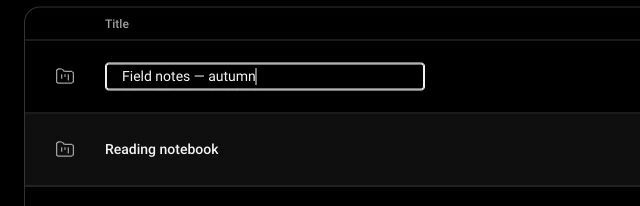
Open the three-dot menu on a project and choose Rename. Type a title and press Enter to save it, or Escape to cancel. You can also click the project title in the editor to rename it.
Delete a project
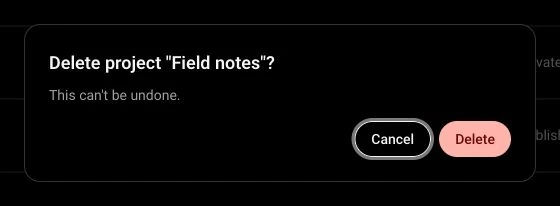
Open the project’s three-dot menu and choose Delete. Check the project title in the confirmation dialog before continuing. Deletion is permanent; choose Cancel to keep the project.