Connections and the map
Screenshots use demonstration projects.
Note mentions
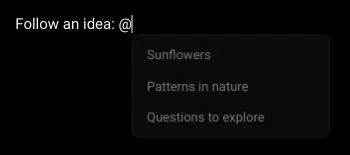
Type @ to find and link to another note in the project.
Wiki-style links
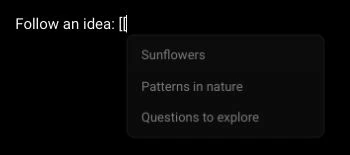
Use [[ as another way to insert a note reference.
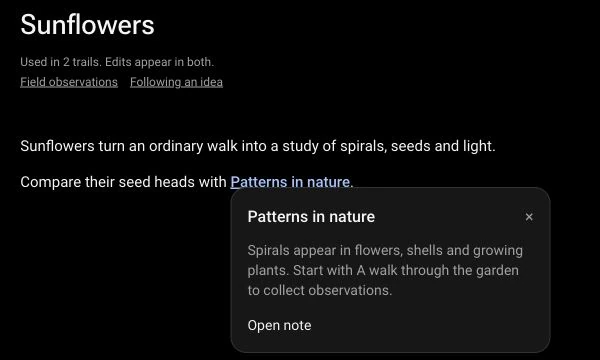
Follow a reference
Open the linked note from its mention.
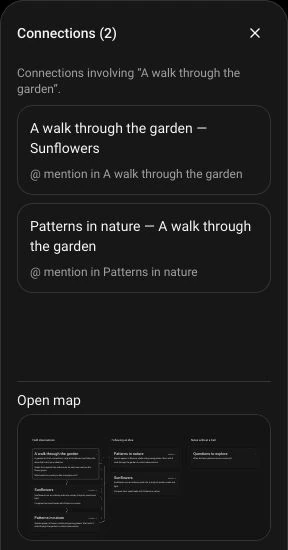
Connections panel
See both outgoing and incoming mentions involving the selected note.
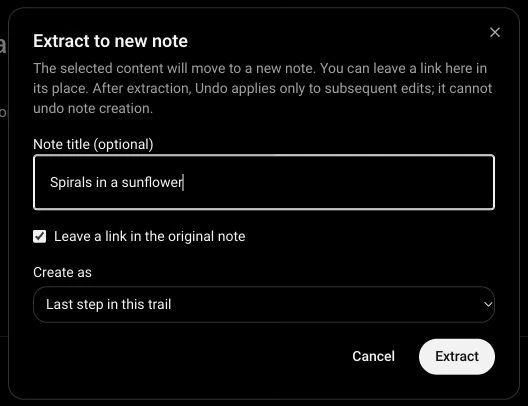
Extract to a new note
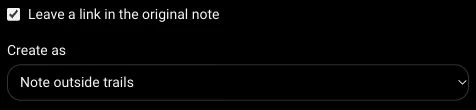
Move selected content into a new note and leave a reference in its place. Put the note next or last in the current trail, or outside trails. Extraction cannot be undone with normal Undo.
Project map
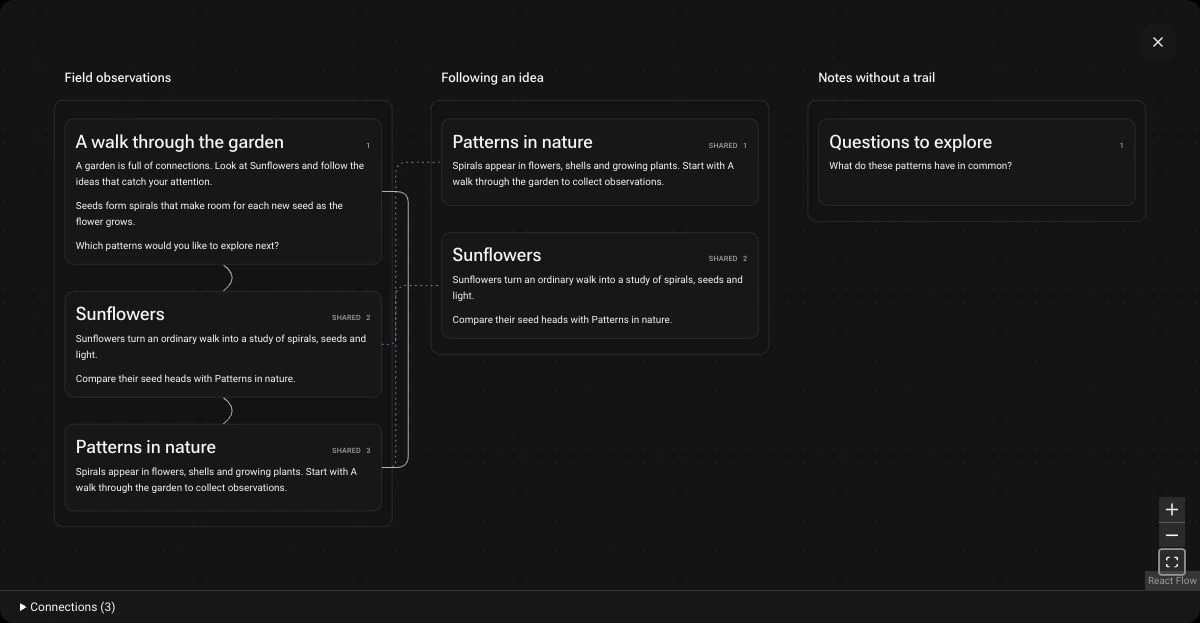
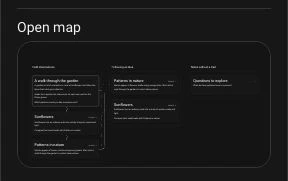
See trails side by side, shared notes and connections between ideas. The connections panel keeps a small map preview beside your writing.
Navigate and customize the map
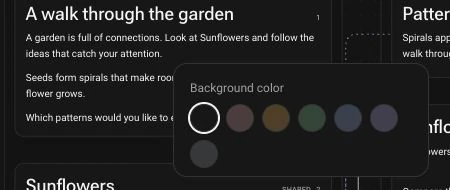
Pan, zoom, fit the view and open notes from their cards. Right-click a note or trail to choose its background color.