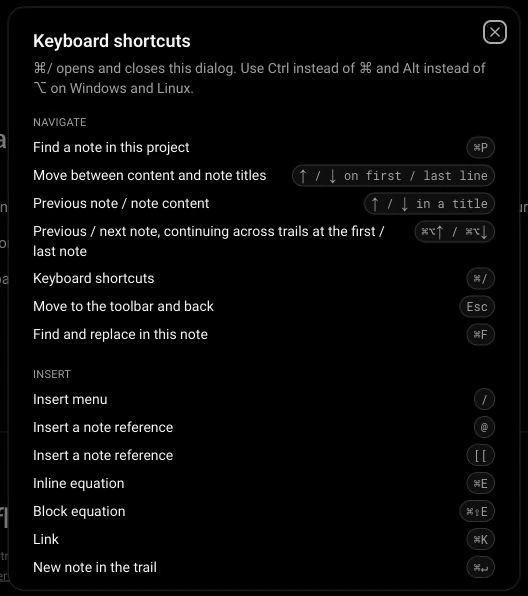
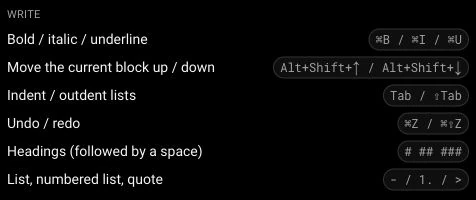
Navigation and shortcuts
Screenshots use demonstration projects.
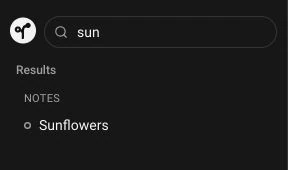
Project note search
Find notes in the current project from the sidebar or with Cmd/Ctrl+P.
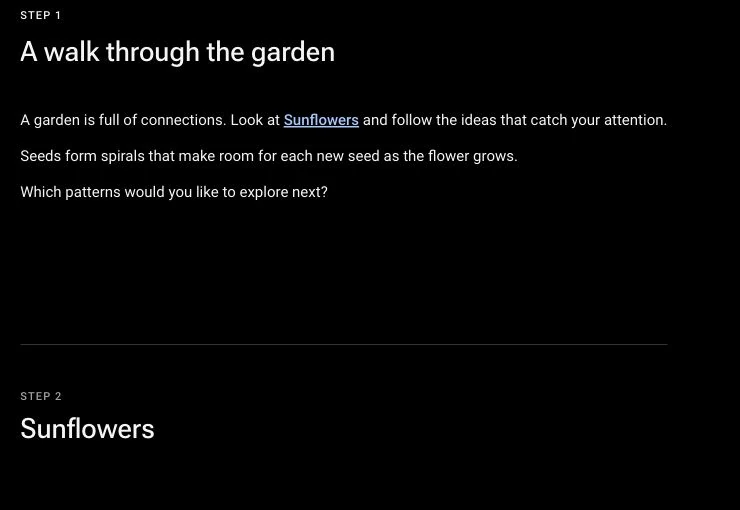
Continuous trail reading
Move through the notes of a trail in a continuous editor view.
Keyboard navigation
Move between titles, note content, trail steps and the next trail with keyboard shortcuts.
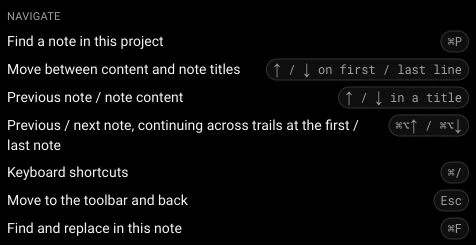
Shortcut reference
Open the shortcut dialog with Cmd/Ctrl+/ and see the available commands.